The Watchful Box
Your cameras record. Watchful gets it fixed.
A slim box on your shelf. Your cameras plug in, and it powers and records them. Watchful sees the problem, sends it to the person who can fix it, and confirms on camera that it was handled.
- Works with most IP cameras
- 8 cameras plug in, up to 16
- Watchful AI watches for you
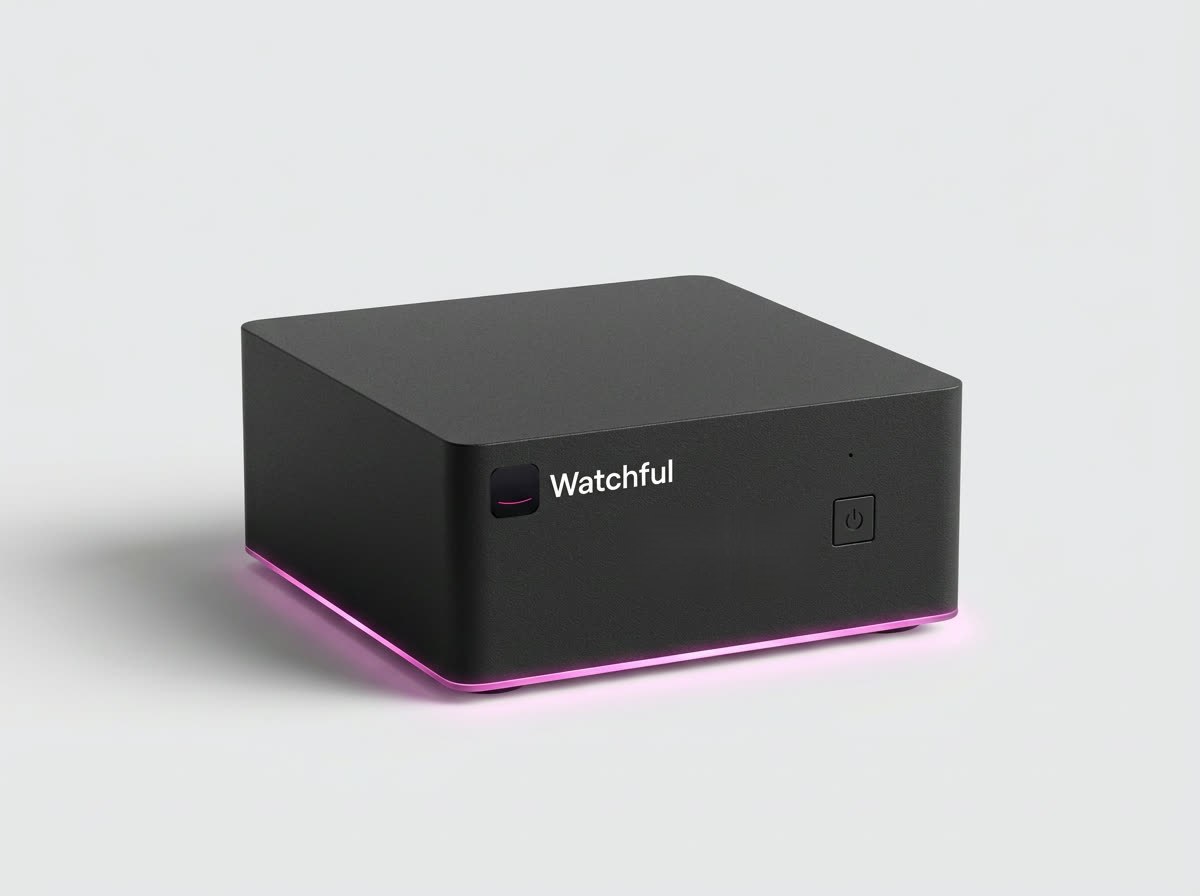
The film
Meet the Watchful Box.
One minute: the box, the setup, and what it does once your cameras are connected. Sound on.
What's in a setup
Six pieces. Most sites already have half of them.
Keep the cameras and router you have. The box goes on a shelf, the cameras plug into it, and your team gets the app.

- Your camerasMost IP cameras work, wired or Wi-Fi.
- Network cableOne cable per camera carries power and video (PoE).
- Watchful BoxPowers 8 cameras, records them, watches for you.
- ExtenderOptional. 8 more cameras, anywhere within 100 m.
- Your routerThe box connects to your network with one cable.
- The Watchful appInstructions in, alerts and the log out.
Installation
Two ways to install it.
On its own as the site's recorder, or next to the camera system you already have. Either way, the cameras end up in the same app.
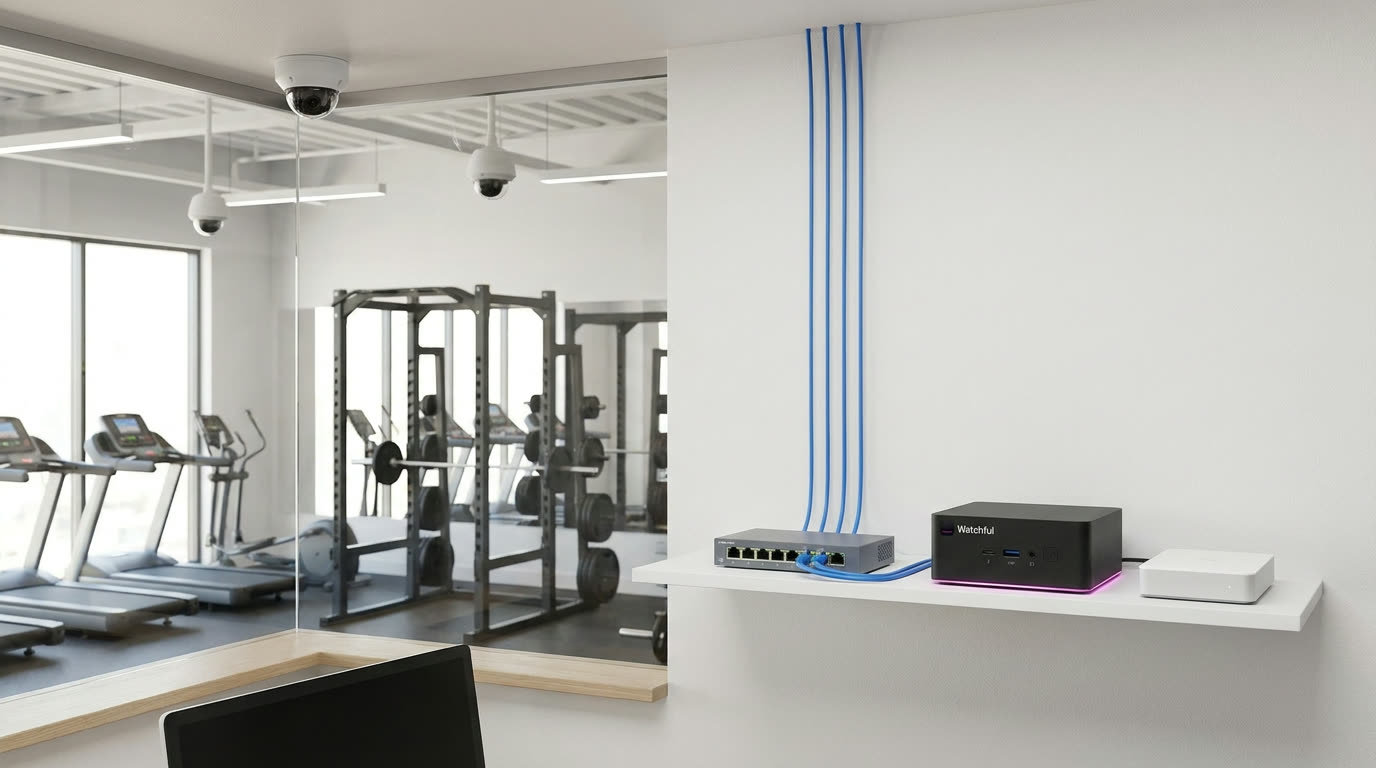
The Box is your recorder
For a site with no recorder yet. Your cameras plug into the PoE switch, the switch into the Box, and the Box records every camera on its 10 TB drive.
- Box, PoE switch, 10 TB
- Up to 16 cameras
- About a day
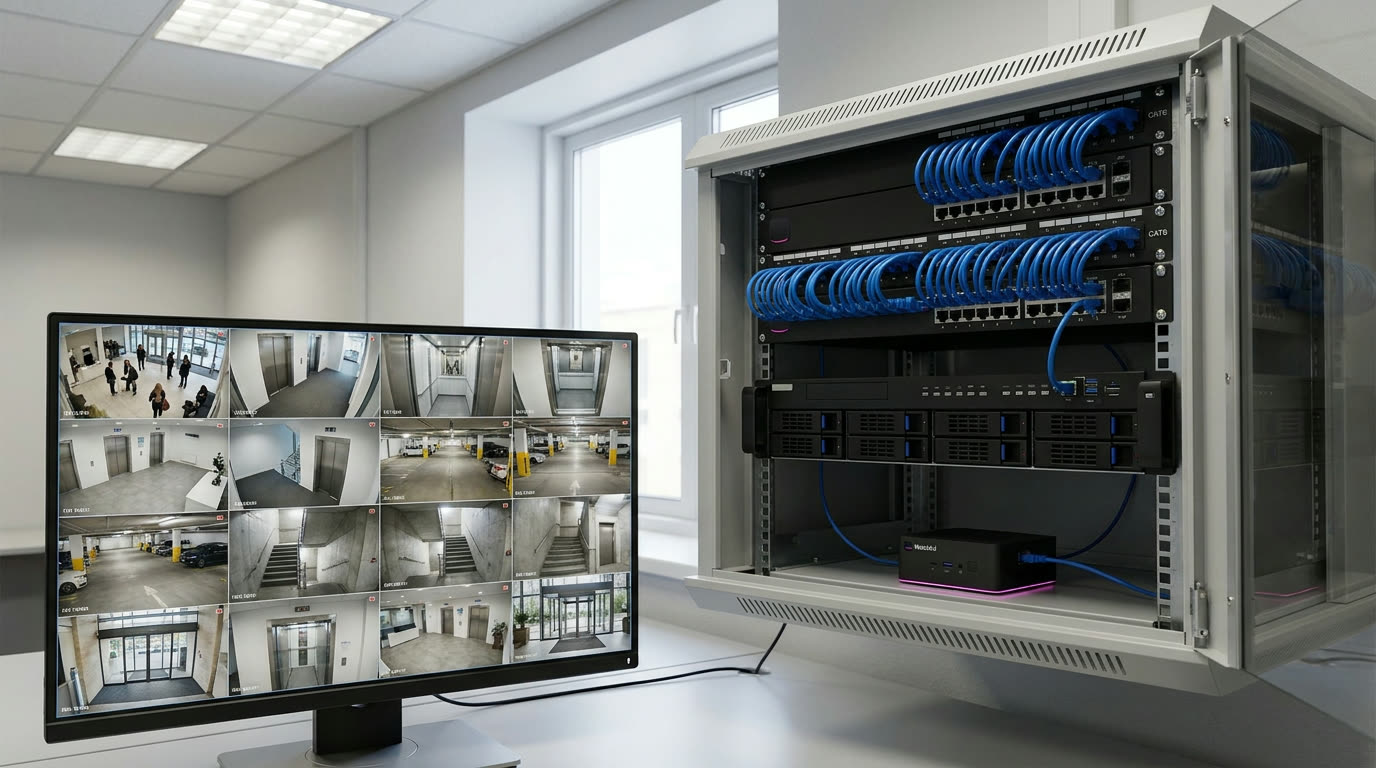
Connect to your existing network
For a site that already has cameras and a recorder. One cable from the Box to a free switch port; your recorder keeps recording, and Watchful adds the watching.
- Box only
- Up to 16 cameras per box
- About an hour
Read the full install guide → Ports, wiring diagrams and a checklist for both ways.
Build your quote · order
What would Watchful cost for your site?
Pick your box, tell us about your site, and see the bill next to what watching your cameras costs today. Nothing is charged until we confirm.
Up to 8 plug straight into the box.
Cloud recording is coming soon. Needs a steady upload of about 1 Mbps per camera.
The part that watches. Every movement on every camera is checked by AI against your instructions; only what matters becomes an alert, with the clip. Search weeks of video by asking, get Handled and the log. A box without it only records.
Your plan
| Feature | Watchful Box | Box Pro |
|---|---|---|
| Both boxes | ||
| 8 cameras plug straight in and are powered (PoE+), up to 16 with an Extender | ✓ | ✓ |
| Records every camera exactly as it sends it | Cloud, 30 days; add a 10 TB drive for months on site | ✓ |
| Motion and people filter on every camera, on the box | ✓ | ✓ |
| Instructions in plain words, alerts to the right person, Handled and logged | ✓ | ✓ |
| Keeps recording if the internet drops | ✓ | ✓ |
| History on the box: ask about the past, it searches what it saw and can scan the recordings (cost shown first) | ✓ | ✓ |
| Cloud backup of alert clips | Included (coming soon) | Coming soon, optional |
| What Pro adds | ||
| Where the AI checks each event | In the cloud | On the box |
| Anything leaves the building | Frames for a check (not kept) and your cloud recordings | Nothing, ever |
| Alerts keep working with no internet | – | ✓ |
| NVIDIA AI module inside | – | ✓ |
| Simplest answer for privacy rules and inspections | – | ✓ |
Watchful AI
We watch for you.
The box records. Watchful AI does the watching: it checks every movement against your instructions, alerts the right person, follows up, and answers questions about the past. Every box runs with a plan. One flat price per site; add cameras freely. Founding-customer prices, locked for 24 months.
Small business
Shops, restaurants, offices
Care homes and warehouses
Where one prevented incident pays for years
- Routing by shift and role, escalation
- Audit-ready log of every event
More than 16 cameras
Bigger sites and campuses
- All boxes in one app, one site
- Multi-site pricing on request
- The Watchful Judge: AI event alerts
- Video search
- Unlimited instructions
- Alerts with the clip
- Re-check and Handled
- History on the box and look-back questions
- Analysis and reports
- Remote access
- Updates and support
- Drive health monitoring
History on the box. Ask about the past.
The box keeps months of recordings and every alert with its clip and the log, in your building. Ask a question like "when was the back door left open this week?" and it searches what it saw. For deeper questions it scans the recordings themselves, and tells you how long it will take and what it costs before it starts.
Coming soonCloud backup of every alert's clip, so it's safe even if the box isn't. Optional with Box Pro.
Questions
Before you ask.
Will my cameras work?
Most IP cameras do: anything that shares its video stream (RTSP or ONVIF), like Reolink, Hikvision, Dahua, Amcrest, Axis, Hanwha, Uniview and UniFi. Ring, Nest, Arlo and Blink don't. Send us the model and we'll check.
Do I need the internet?
Watchful Box and Box Pro keep recording without it. Watchful Box needs internet for the AI check and alerts; Box Pro does everything on the box. Watchful Box with cloud recording ships without a drive, so it needs a steady upload of about 1 Mbps per camera (or add your own drive).
Where does my video go?
Everything is stored on the box, in your building: recordings, alerts, clips and the log. With Watchful Box, single frames go to the AI check and aren't kept. With Box Pro, nothing leaves.
Can I install it myself?
Yes, if your cameras are already wired. Plug them in, connect the box to your router, and the app finds them. Or a partner does it for you. The install guide shows both ways: as your only recorder, or joined to a camera system you already have.
See it on your own cameras.
Run a pilot on your site, or open a sample offer to see what a full quote looks like.